As a final project, you will be writing a General User (GU) Proposal to the Advanced Photon Source (APS). This guide will assist you in preparing the proposal. This project is due on the day after our Final Examination.
NOTE: if you have not been able to obtain a registration from the APS, you still need to complete this assignment but do it in a document and submit a PDF of your proposal to me directly. In this case, be sure to answer all of the questions on each of the pages just as you would have done if you could submit a proposal. The assignment will be incomplete unless you do this!
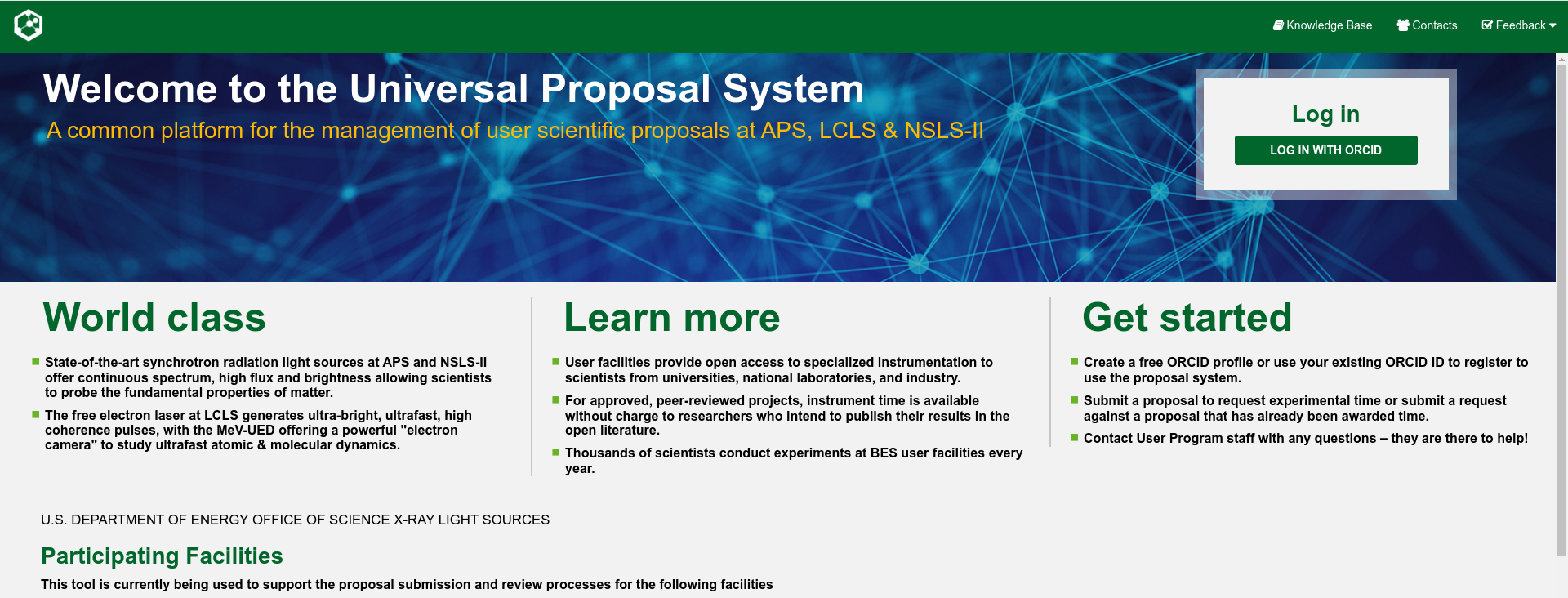
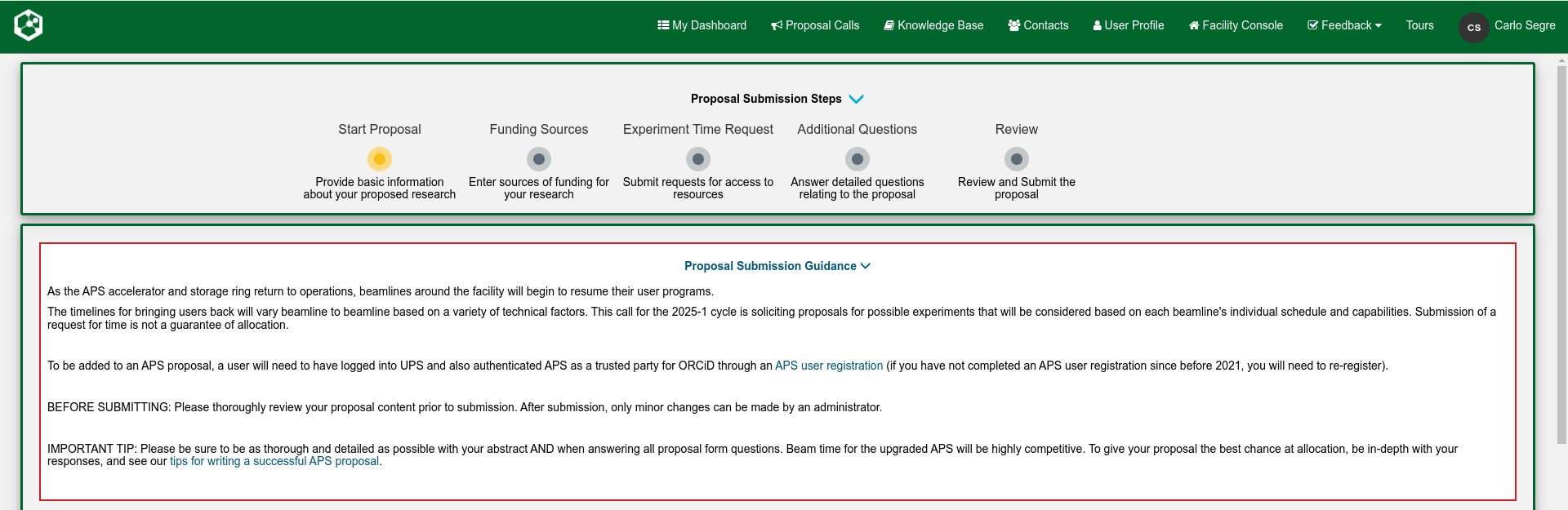
Once you have registered with the APS, you may begin a GU proposal. You will see the screen shown below.
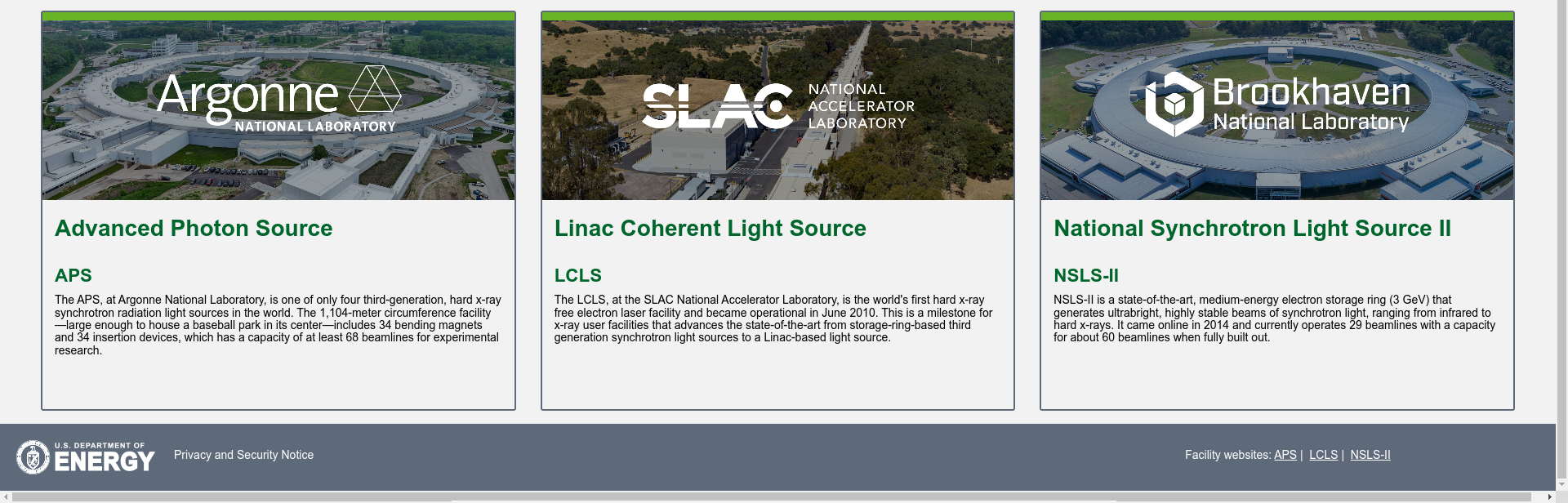
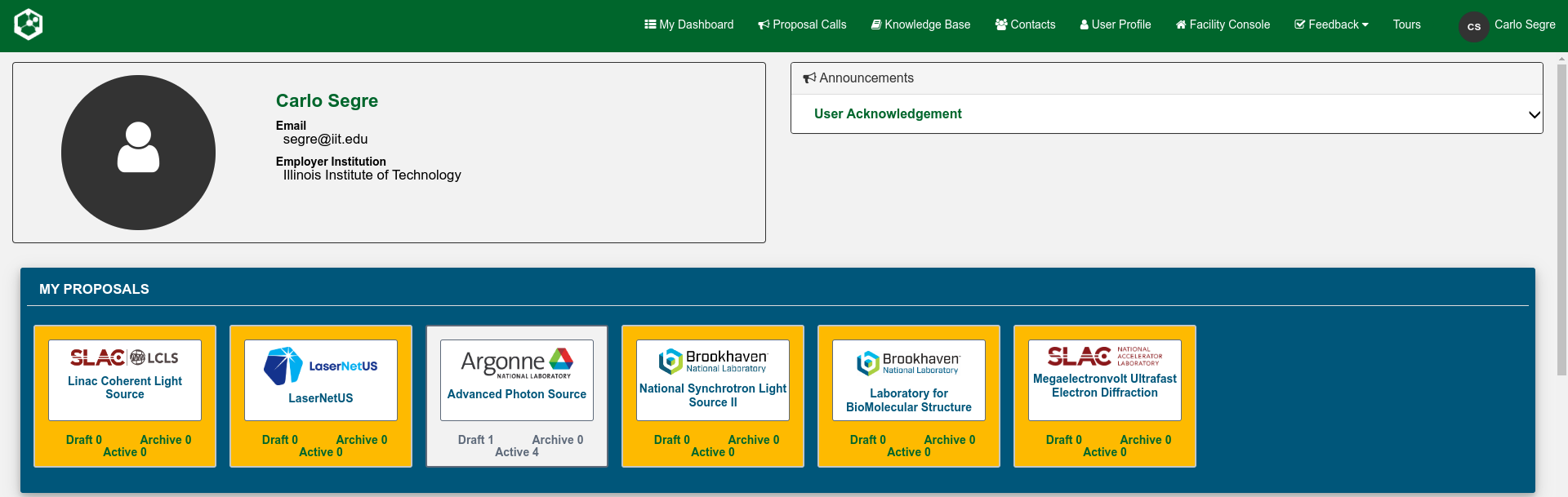
Log in with your ORCID account and then select the Advanced Photon Source in the lower panel.
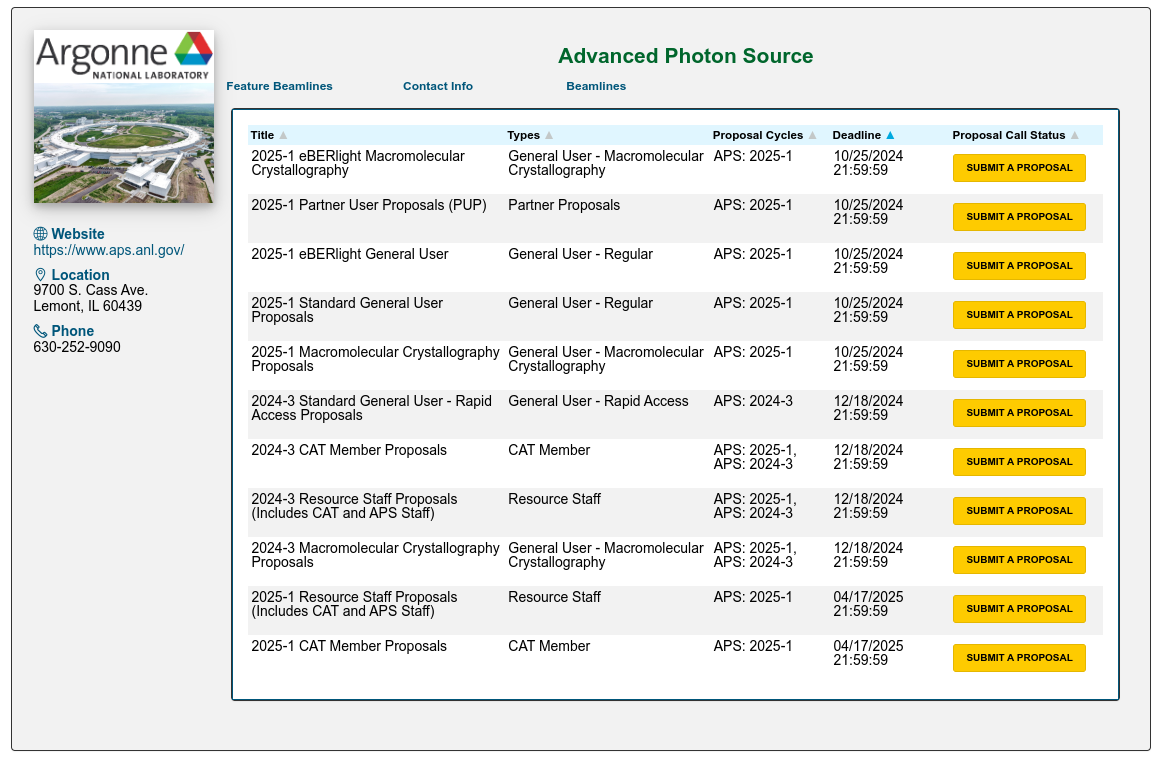
Choose the "Standard General User Proposal" or "Rapid Access Proposal" for the cycle of interest.
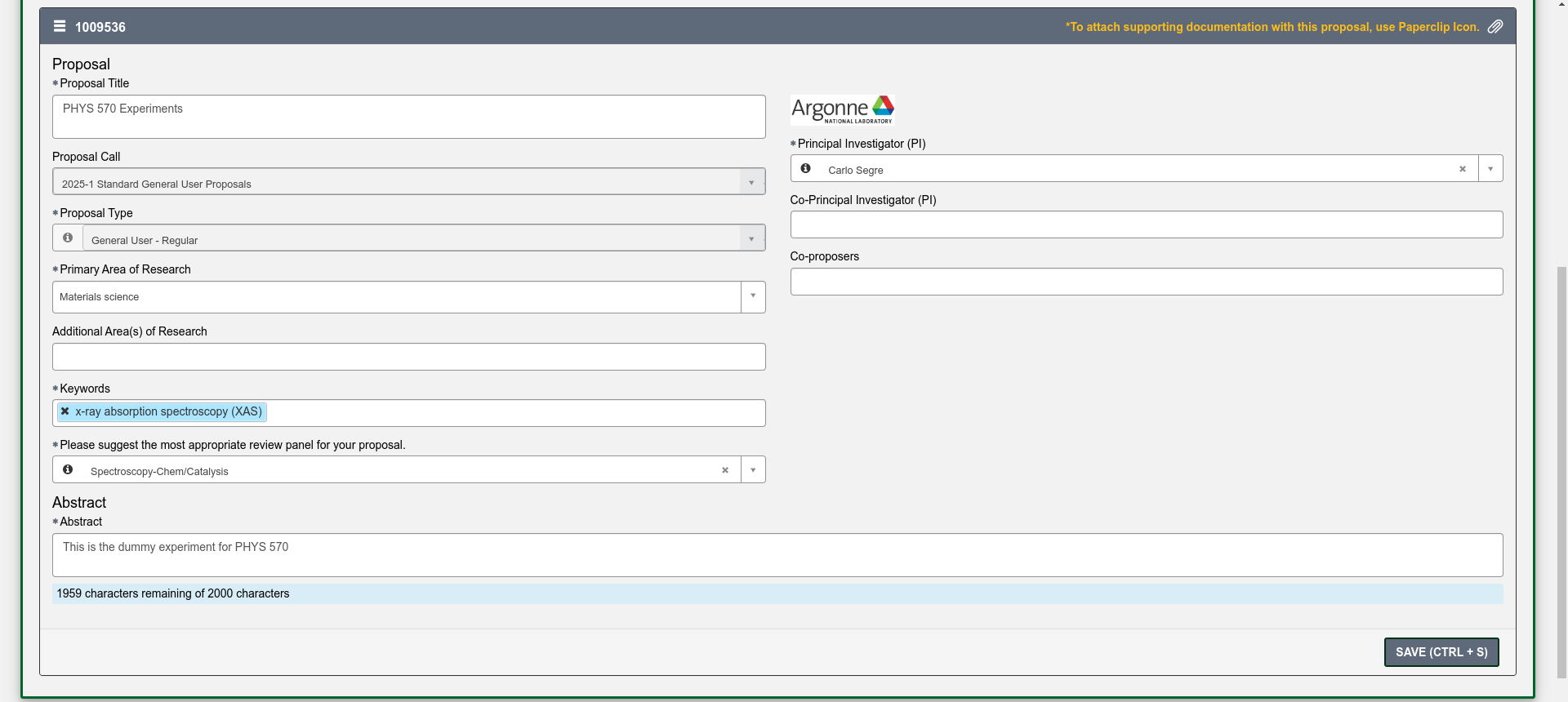
You will now have to fill in a proposal title, abstract and basic information about the proposal. You can also add additional PIs and experimenters. Please add me as one of the experimenters so I can see the proposal in the system. Make sure to save the proposal with the button at the bottom of the page. You also need to choose the panel which will review your proposal. This is usually dependent on technique.
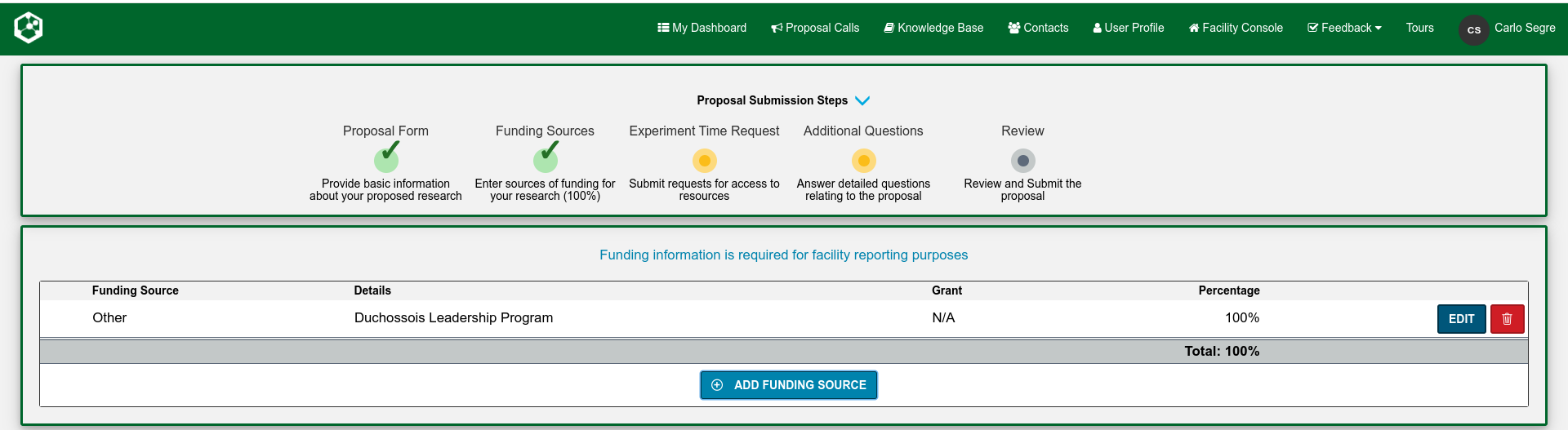
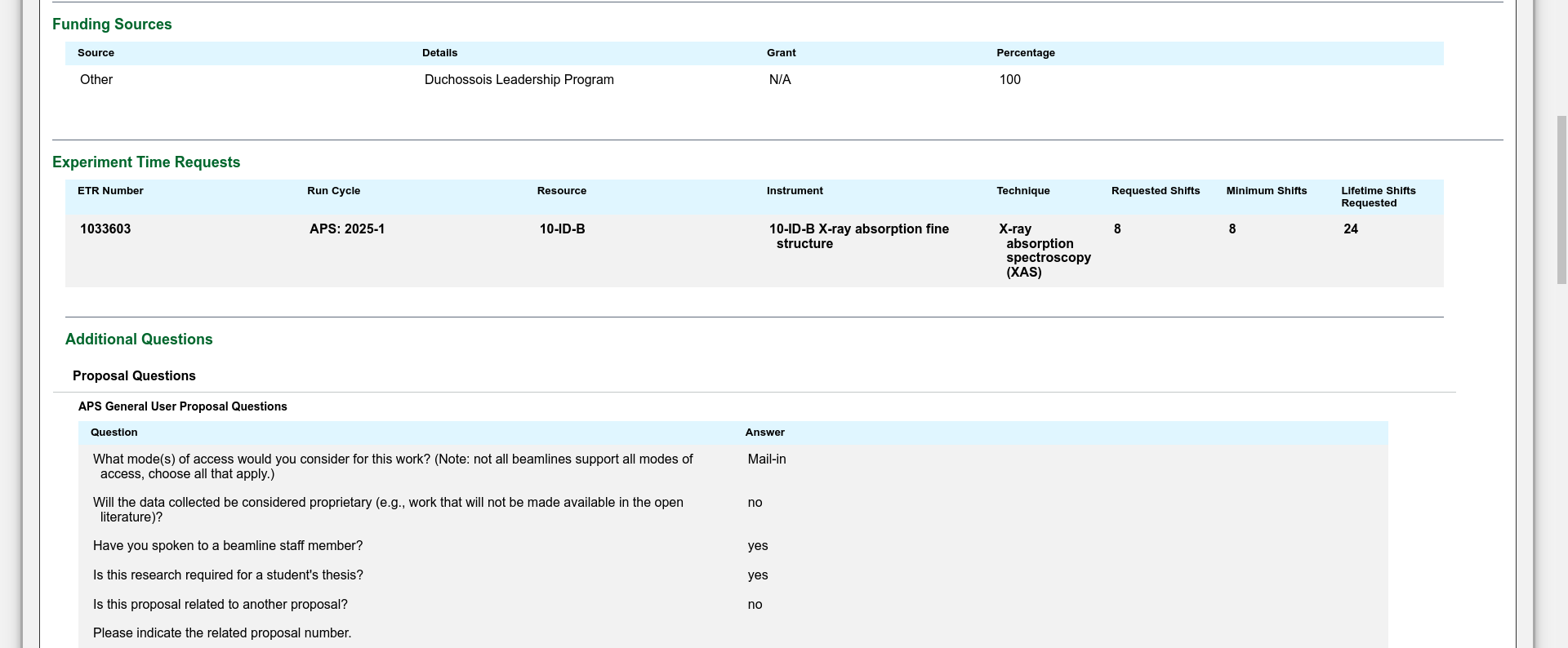
Enter all the appropriate funding source information.
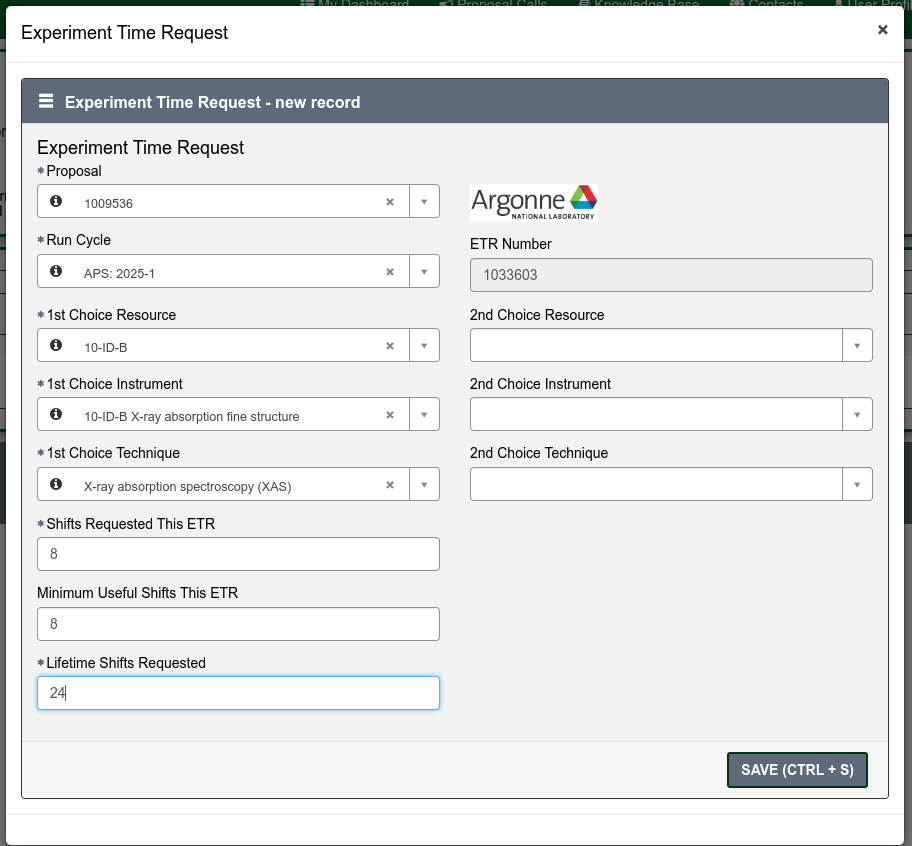
Fill out one or more Experiment Time Requests (ETRs). The Experiment Time Request is the trickiest part of the proposal. You need to make a separate ETR for each different beamline you need to carry out your experiment. Insert the total number of shifts you are requesting for the duration of the experiment (you might want to come to the APS more than once) but you will have to justify this later in the proposal so ask for a reasonable amount for the experiment you are interested in carrying out. Then select the beamlines which are suitable for your experiment. You need to consult the Beamlines Directory to figure out which beamlines are suitable for your experiment. There may be multiple instruments available on each beamline so you may also need to select the instrument. If you have any specialized equipment you are bringing to the beamline, add this too and make a request for the number of shifts that you want during the upcoming run (this is not the total that you inserted above if you plan to come more than once).
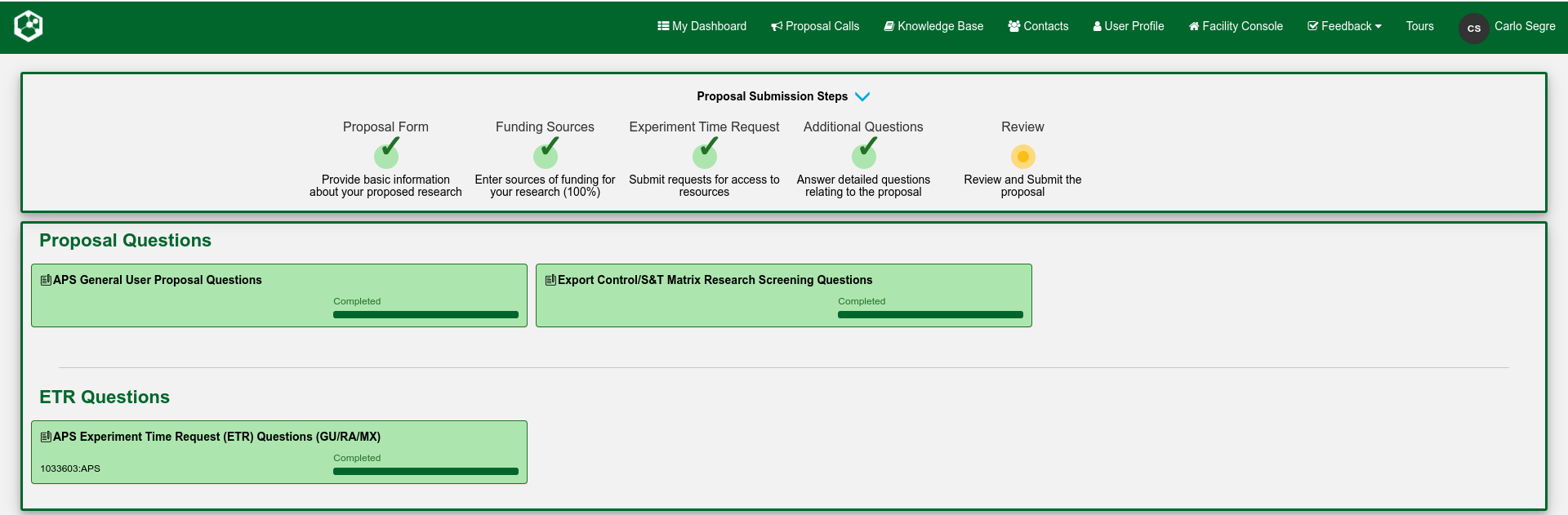
All your requested ETRs will appear here. Note the green check marks that denote the progress of your submission.
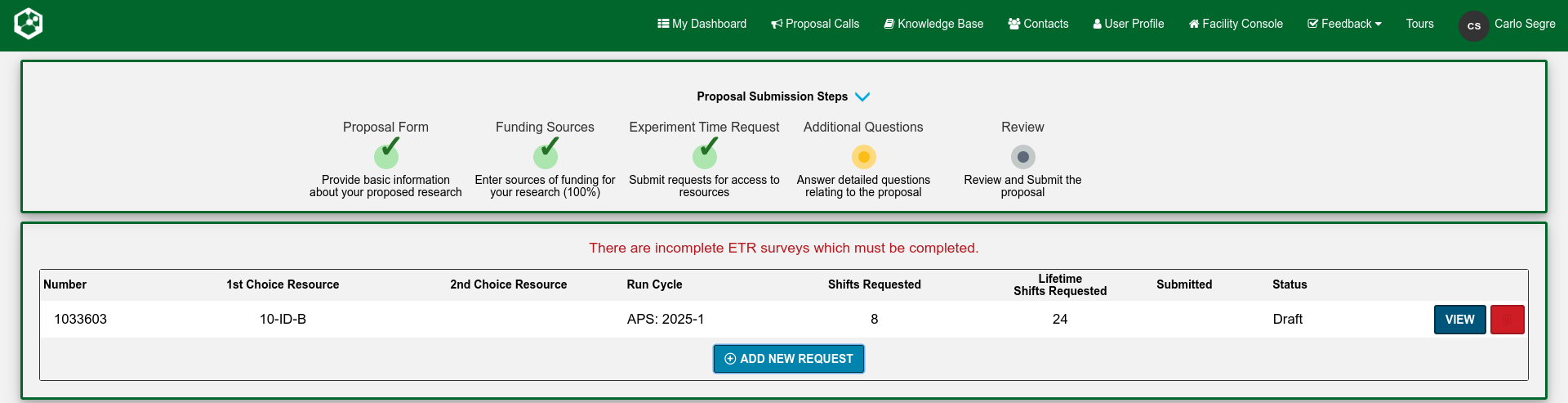
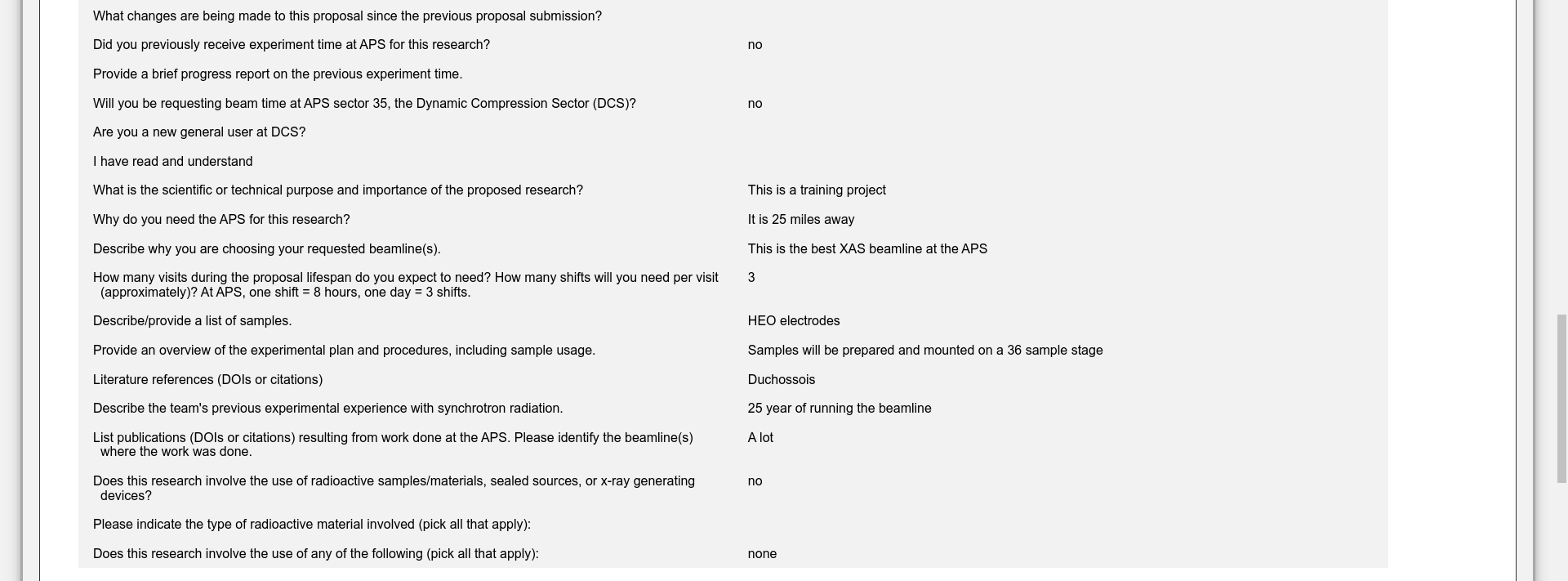
Next come the questions to be answered about the submission. Click on each box to open the individual forms.
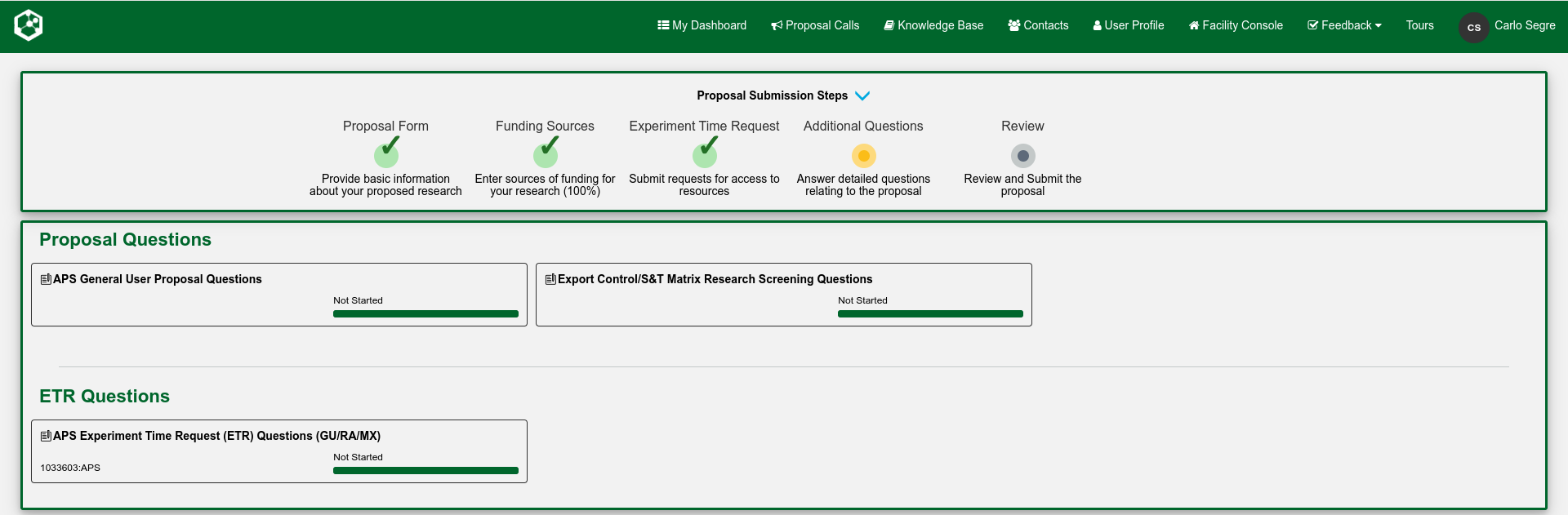
This is the meat of the proposal. Here you need answer questions about the scientific merit of the proposed experiment, why you have chosen a specific beamline and the APS, and make a strong case for the amount of time you have chosen to request for your experiment. The latter needs to be justified as carefully as possible. You need to describe the experiment itself and let the review panel know about the experience of your team. Include any references.
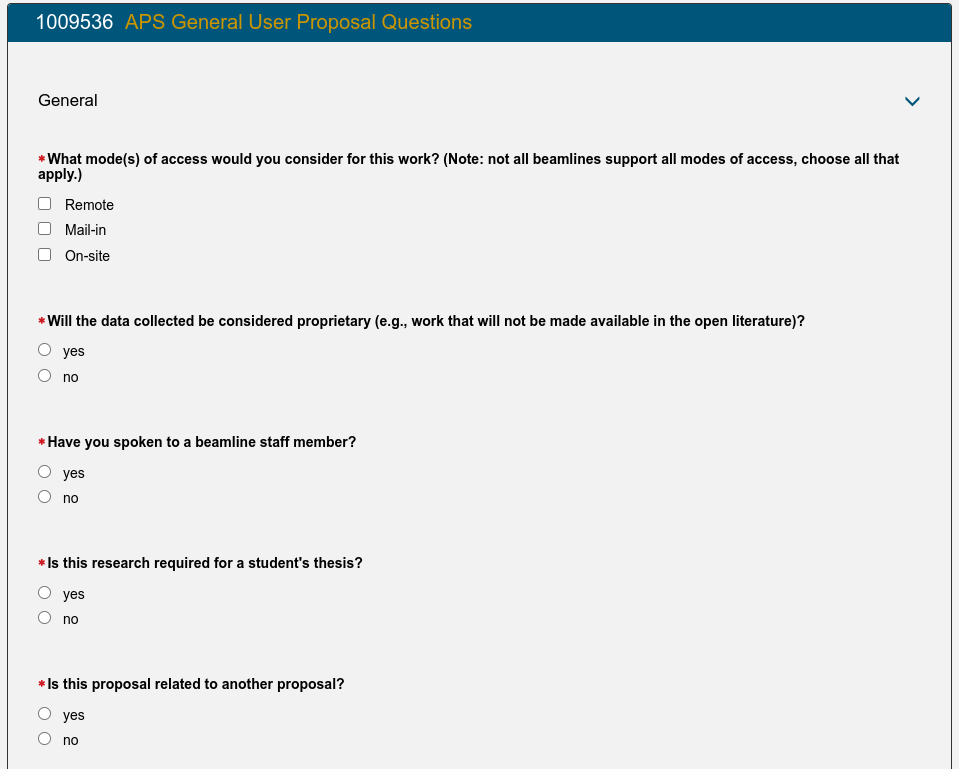
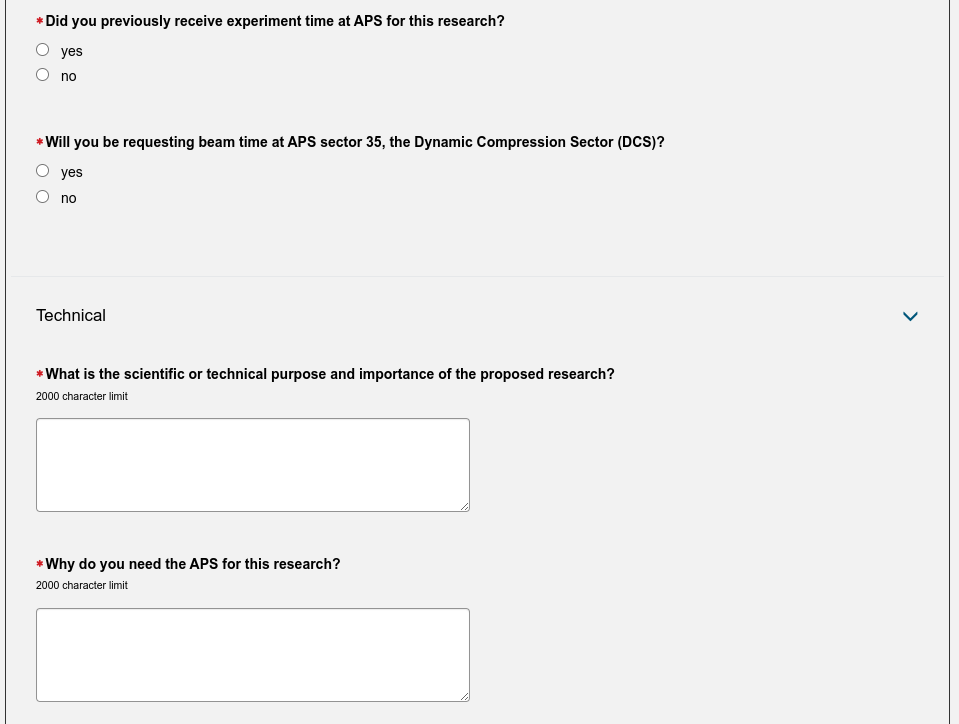
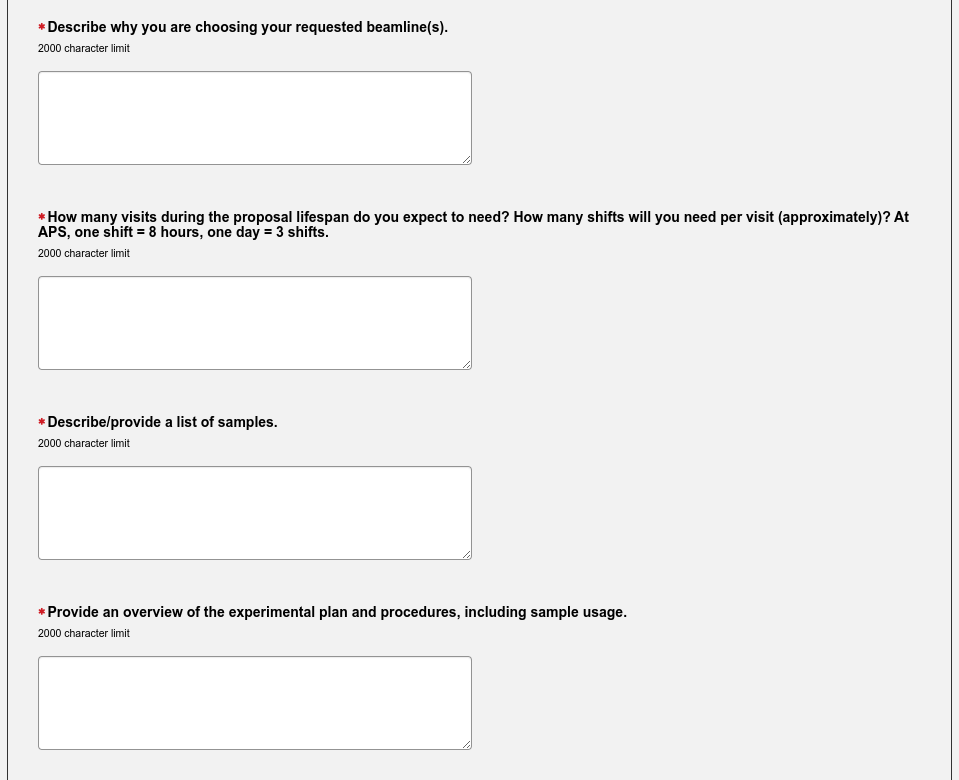
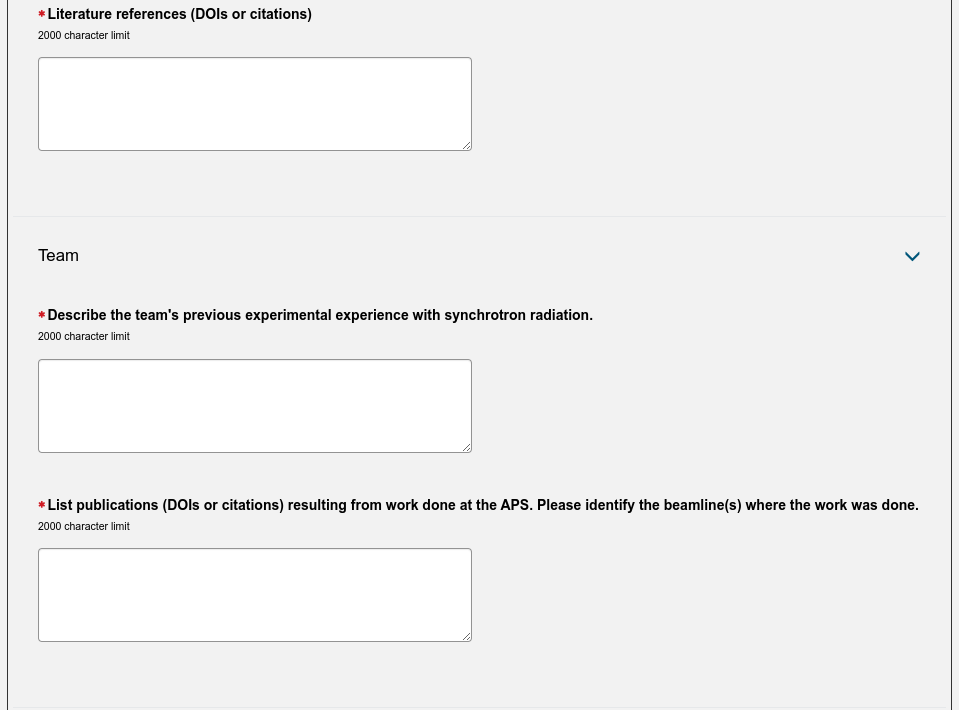
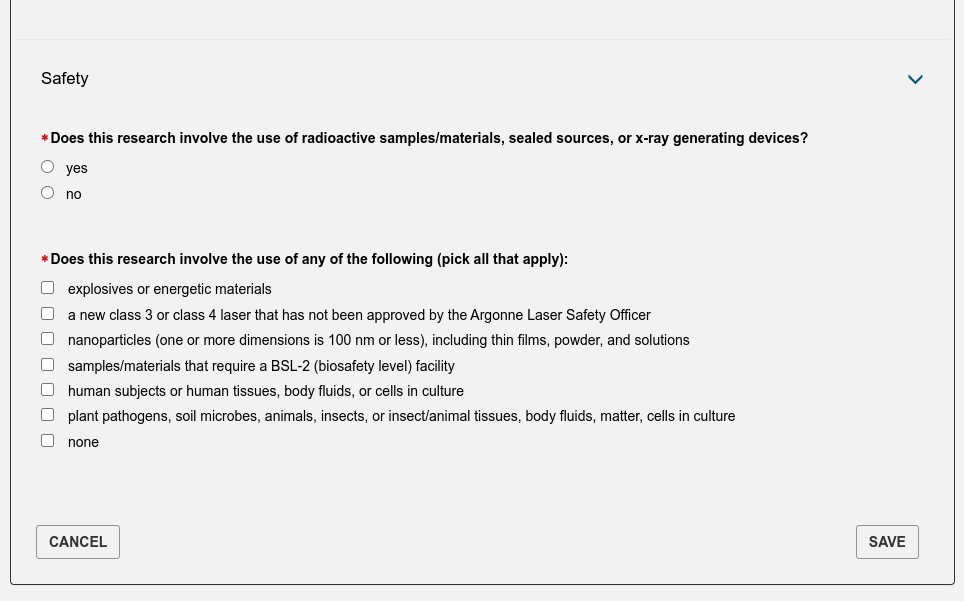
Fill in the ETR details.
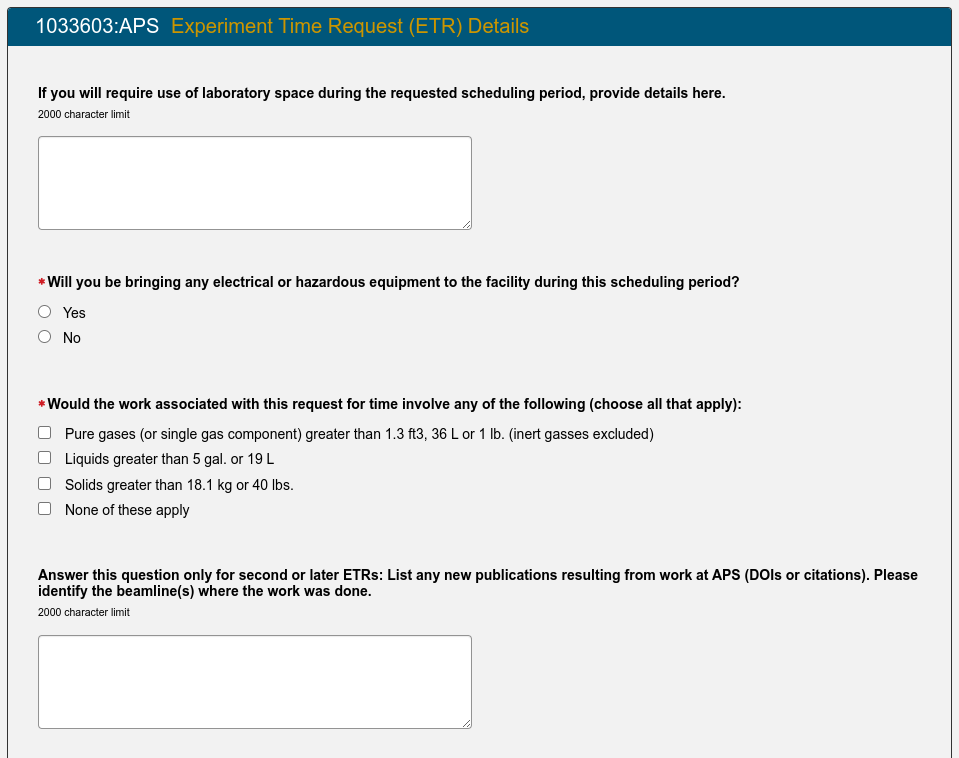
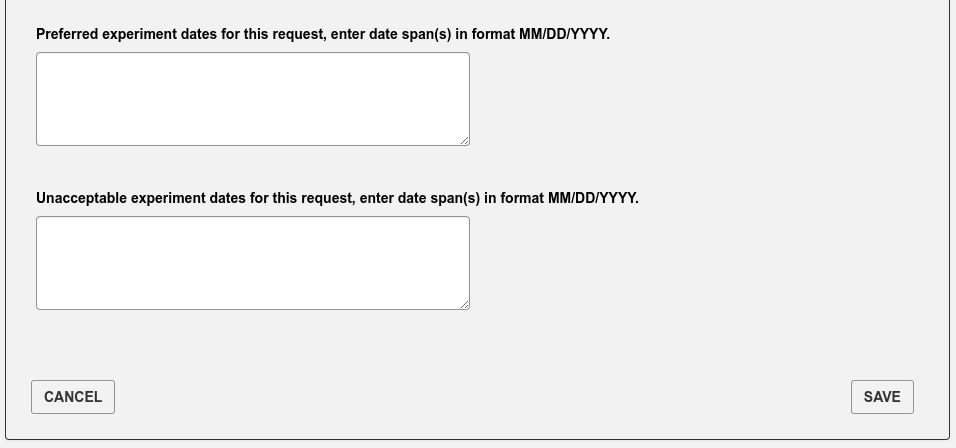
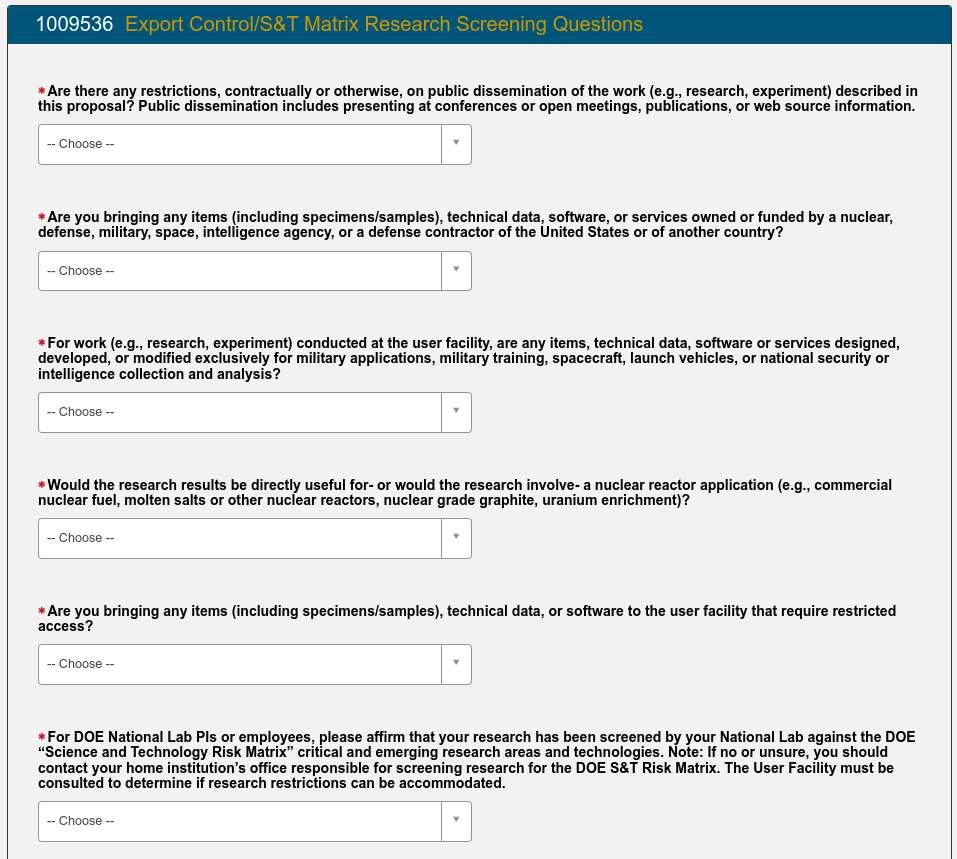
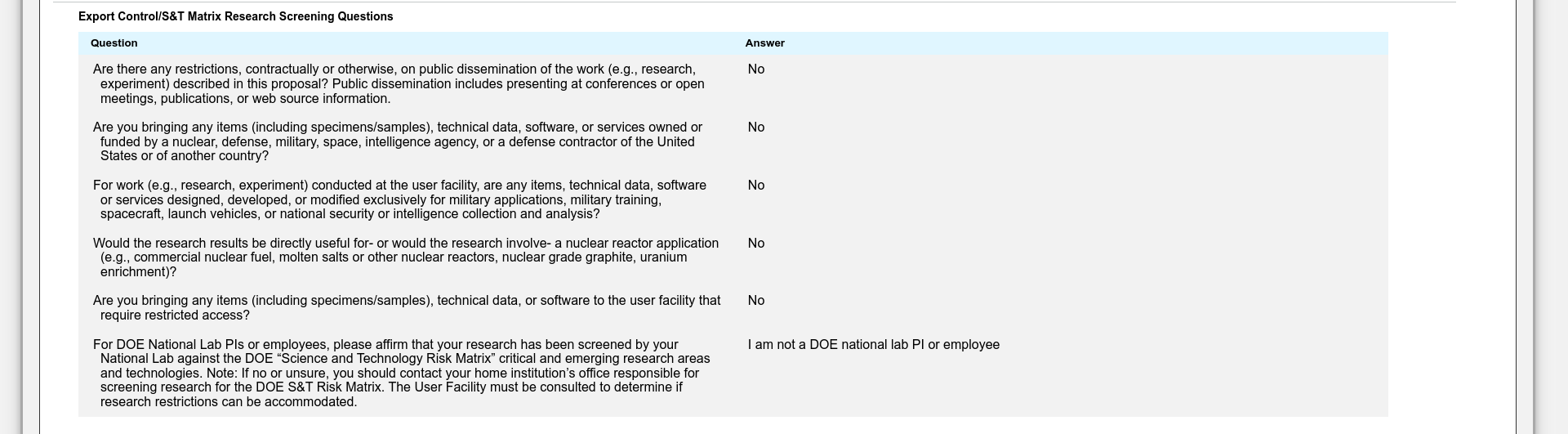
Finally the Export Control questions need to be filled out.
When all the questions have been answered, you can move to the final stage of the proposal submission.
Review the proposal for accuracy and completeness before submitting it.
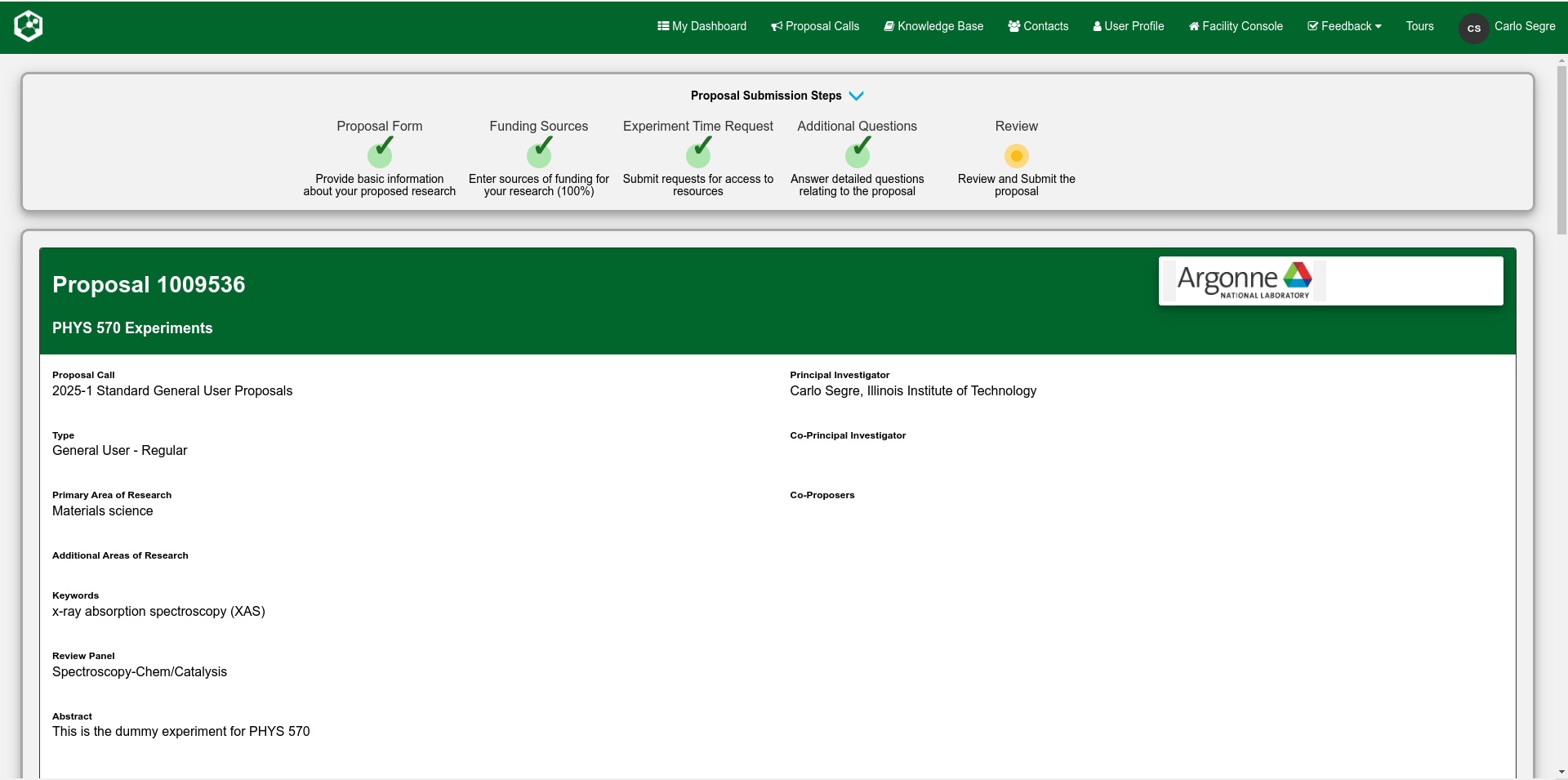
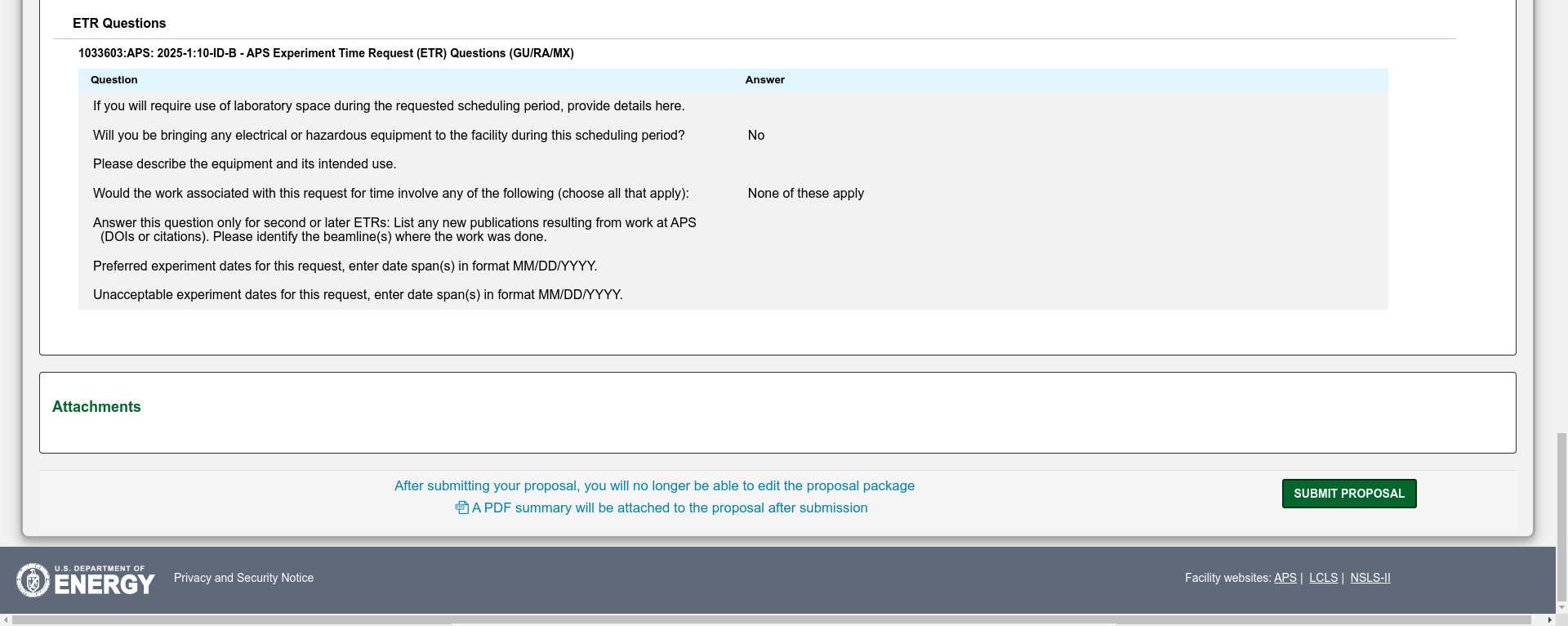
At this point, DO NOT SUBMIT the proposal, just "Save" it and then tell me that it is done and what the GU number is. This can be found at the top of each page and in the case of the images here, the proposal number is 30230. having this number makes it possible for me to find your proposal and read it.